n8n with AI Assistant: The Production Stack We'd Choose in 2026
 Yulei Chen
Running n8n for a team means planning beyond the first successful deployment. Workflows and credentials need to survive container replacement, failed updates need a recovery path, and someone needs to watch resource use and API balances.
n8n's new AI Assistant adds a few more choices. The assistant needs model inference and a sandbox for building workflows. Web search is optional, but useful when it needs current documentation.
This article explains the stack we'd choose for a small team: Sliplane for n8n and managed PostgreSQL, Daytona for sandboxes, Melious for inference, and Brave Search for research. For account creation, environment variables, and deployment, follow the companion self-hosting tutorial.
The AI Assistant is currently in Preview. This stack provides a foundation for production workflows, but generated workflows still need review and testing. Check n8n's availability and setup guide for supported editions and current limitations. Configuration and prices below were checked on September 6, 2026.
The stack at a glance
| Component | What we use | Why | What you still manage |
|---|---|---|---|
| n8n hosting | Sliplane's n8n preset | Container deployment, HTTPS, persistent storage, and logs in one dashboard | n8n updates, app resources, and failed executions |
| Application database | Sliplane Managed PostgreSQL | Database resources and recovery managed separately from the application | Access rules, connection settings, and restore testing |
| Assistant sandbox | Daytona | API-managed workspaces for the workflow builder | Quotas, sandbox cleanup, and API credentials |
| Model inference | Melious | Hosted inference through an OpenAI-compatible endpoint | Model selection, build quality, and token spending |
| Web research | Brave Search API | Search results with request-based billing | API balance and search usage |
Let's walk through each component and why we chose it for this stack. Just here for the numbers? Skip to the cost breakdown.
Application hosting: start with a maintained container
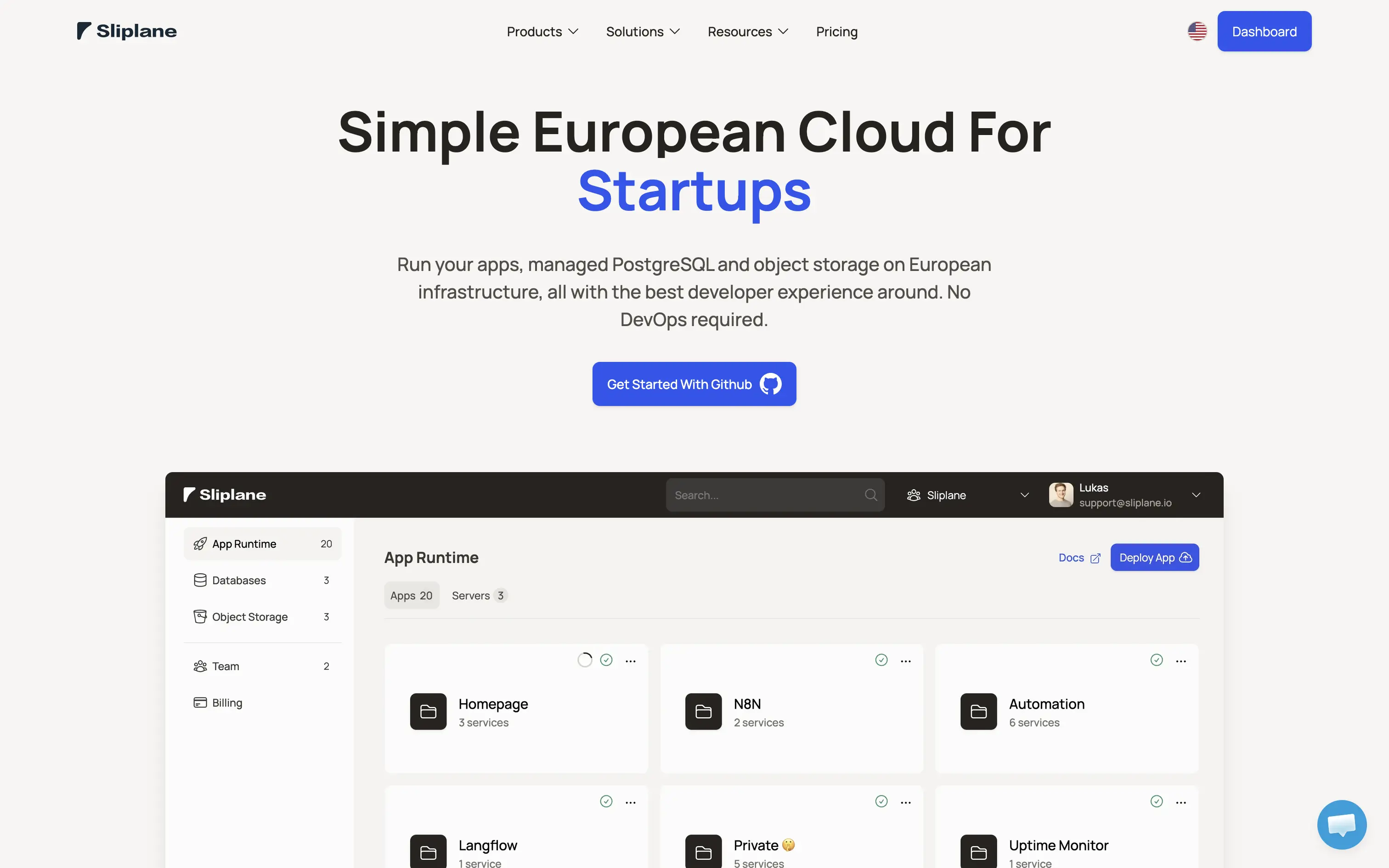
Sliplane's n8n preset gives us a versioned image, a persistent volume, and a generated encryption key. The platform handles the deployment interface and public HTTPS endpoint, while we retain control of n8n's configuration. See how service deployment works.
That is a useful division of work for a small team. You can inspect logs and redeploy from the dashboard without maintaining a Docker host yourself. You still need to test n8n releases before upgrading and watch memory use as workflows grow.
We'd start with at least 2 GB of application-server RAM, then size from observed usage. That is a starting recommendation, not a capacity guarantee: large execution payloads and concurrent workflows can need considerably more. PostgreSQL gets separate resources in this stack.
If you're still deciding between a VPS, managed container hosting, and n8n Cloud, read our n8n hosting comparison first.
Database: choose PostgreSQL for a clear recovery path
SQLite is convenient when you're trying n8n. For this deployment, we'd connect managed PostgreSQL before creating the first workflow. Application redeployments and database recovery then have separate lifecycles.
Sliplane Managed PostgreSQL provides a seven-day backup window with point-in-time recovery. A restore creates another database, allowing you to inspect recovered data before changing the application's connection. That restored database is billed separately while it exists.
There are two details to plan for. First, this is a managed database connection: allow the app server's outbound IP addresses and configure TLS with certificate verification. The tutorial covers both. Second, a database backup alone cannot recover encrypted n8n credentials. Keep the original N8N_ENCRYPTION_KEY securely, and back up the /home/node/.n8n volume too.
A restore drill should answer a concrete question: can another person recover the instance and use its saved credentials? Our n8n operations guide covers the broader backup and update routine.
Sandbox: let Daytona run the builder's workspace
The assistant's sandbox is a workspace for generating and validating workflows. Once saved, those workflows execute in n8n. Daytona's role is therefore separate from hosting n8n or running its ordinary workflow nodes. See n8n's sandbox architecture.
n8n documents a self-hosted sandbox setup, but recommends Daytona for production. It avoids adding the sandbox API and privileged runner infrastructure to our app server. n8n provisions the workspaces through Daytona's API.
The tradeoff is another account and another failure mode. A builder can fail because its API key expired, the organization reached a resource quota, or its sandbox cannot access a required website. Daytona's network restrictions depend on account tier, so free credit alone doesn't guarantee access to everything a build might need.
Keep idle cleanup enabled and monitor storage as well as compute. A stopped sandbox can still incur storage charges; Daytona's billing guide explains how charges change across lifecycle states.
Inference: use Melious, then evaluate the model
Melious provides hosted inference on European infrastructure through an OpenAI-compatible API. That lets us use n8n's custom model endpoint support without putting model-serving hardware on the application server.
The provider and the model are separate decisions. Our tutorial uses glm-5.2 as the starting model. That guide covers workflow model nodes. The built-in AI Assistant uses a different configuration, combining n8n's custom endpoint with the Melious API; the exact combination still needs an acceptance test on your deployed version.
Before a team relies on it, try several workflows drawn from its actual work. Record whether each build runs, how many corrections it needs, how long it takes, and what it costs. Keep those examples for future model changes. A lower token price can be a poor deal when the model repeatedly fails to produce a working workflow.
European inference also doesn't determine where every part of this stack processes data. Model requests go to Melious, sandbox work goes to Daytona, search queries go to Brave, and n8n data lives in your selected hosting and database regions. Evaluate that complete path against your team's requirements.
Search: give the assistant access to current sources
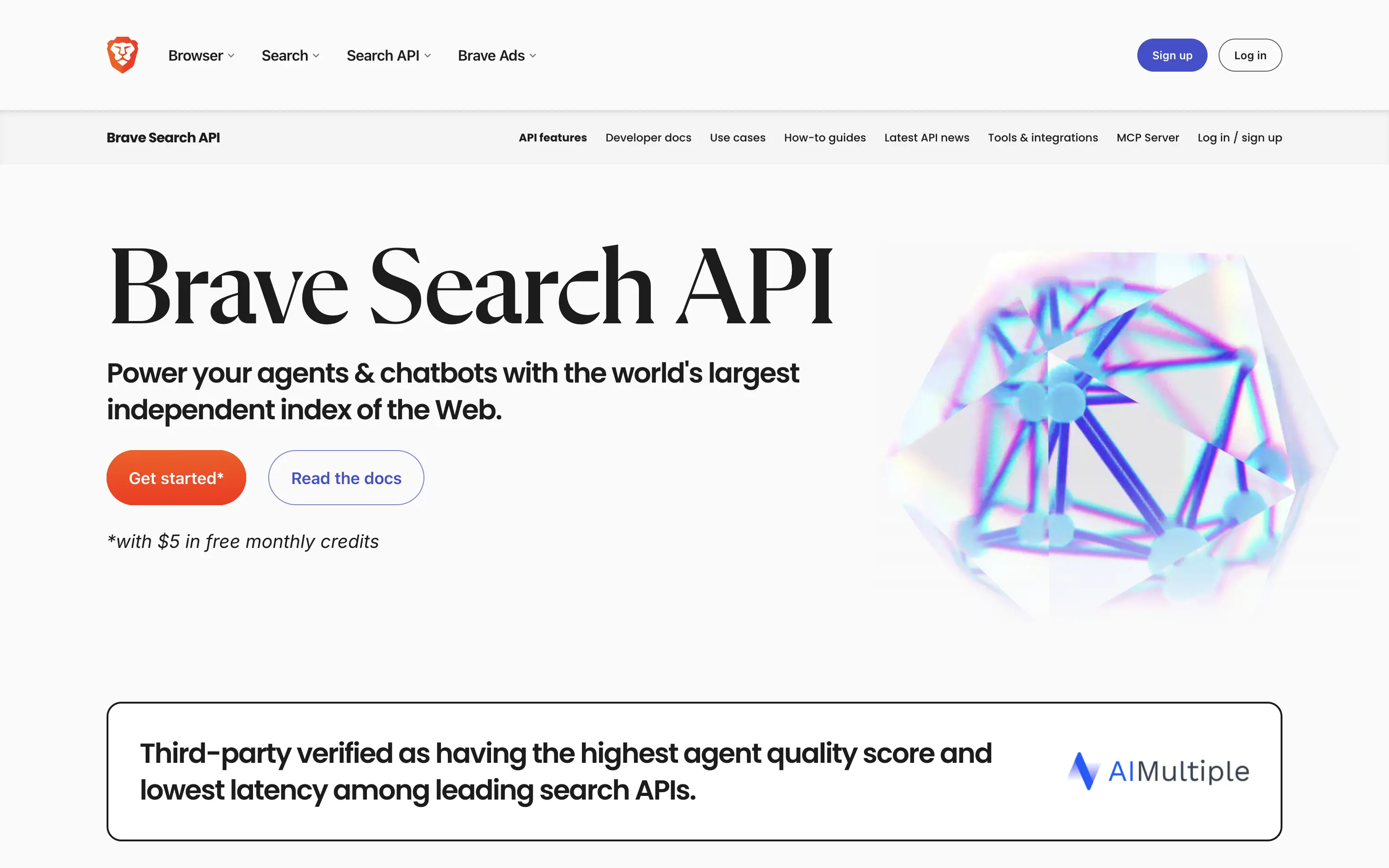
Brave Search supplies web results when the assistant needs current documentation or other external information. It's optional in n8n's assistant configuration; we include it because API documentation changes and a model's training data can be out of date.
Use the Search API plan. At the time of writing, it costs $5 per 1,000 requests and includes $5 in recurring monthly credit. See the Brave API plans.
The production consideration is continuity. If credit runs out with no funded balance, research stops. Decide on a monthly budget and verify that a test question actually calls Brave: a convincing answer with a URL doesn't prove the search integration works.
What does the complete stack cost?
| Service | Current starting price or allowance | Budget for |
|---|---|---|
| Sliplane app server | From €9/month before VAT | A server sized for your workflows; larger plans cost more |
| Sliplane Managed PostgreSQL | From €19/month before VAT | Database compute and storage, billed separately |
| Daytona | $200 in free compute credit; no card required for the advertised trial | Ongoing sandbox resource use after evaluation |
| Melious | Pay-as-you-go, with rates varying by model | Input and output tokens across all assistant calls |
| Brave Search | $5 monthly credit, equivalent to 1,000 Search requests | Requests beyond the free allowance |
The smallest Sliplane server and database total €28/month before VAT, plus API usage. Our recommendation to start with a larger, 2 GB app server raises that baseline. Check the current Sliplane, Daytona, Melious, and Brave prices before purchasing.
Free credits make evaluation easier. For an ongoing budget, measure several realistic building sessions: one user request can trigger multiple inference calls and searches. Model calls inside your saved workflows are additional usage, separate from building them with the assistant.
What makes this ready for a team?
Before handing over the instance, establish four routines:
- Recovery: test a database restore with the original encryption key and check the recovered credentials.
- Updates: pin the n8n image, review releases, and rerun your sample workflows after changes.
- Monitoring: watch workflow failures separately from assistant failures, plus provider balances and quotas.
- Ownership: assign someone to billing, expiring keys, and incident response.
An inference outage may prevent a new AI-assisted build while existing workflows continue normally. A workflow that calls the same provider has its own dependency and needs its own failure handling. Keep those cases separate when setting alerts.
Ready to configure it? The companion self-hosting n8n with AI Assistant tutorial starts with fresh accounts and walks through the database, API keys, deployment, and verification.